Add a Dealer
Select ADMINISTRATION on the main menu, then select Dealer on the sub-menu. 
To eliminate duplication, search for the dealer to verify they are not already in the system.
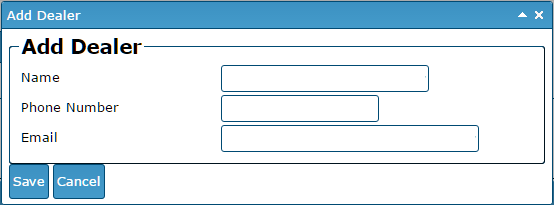
If you don't find the dealer already in the system, click the Add Dealer button at the bottom of the page. A new window will pop-up (verify that your browser is set to allow pop-ups).
Enter the dealer's information and Save.