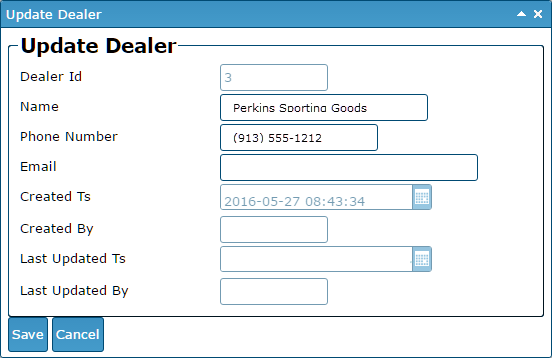
Update a Dealer
Here are the steps to update a salesperson:
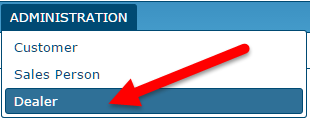
- Click on "ADMINISTRATION" on the main menu. Then, click on "Dealer" on the sub-menu.
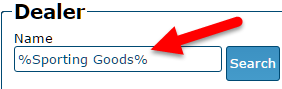
- Search for the dealer. NOTE: You can search for a string of text anywhere in the Name field by placing a "%" symbol in front of and behind the text you are searching for.
- Click once to highlight the dealer that you want to update.
- Click on the "Update Dealer" button at the bottom of the page. A new window will pop-up (verify that your browser is set to allow pop-ups).
- Enter the dealer's information and click the "Save" button.