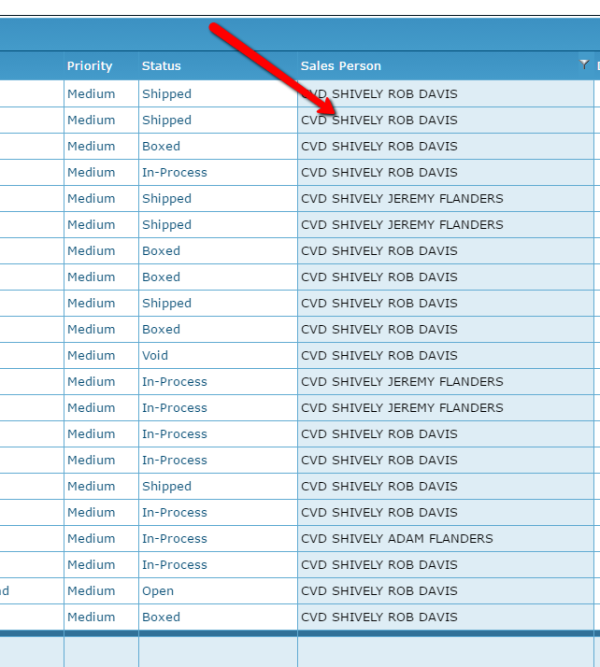
Search for all orders from a Salesperson
On the Reconditioning tab, select Customer Order List.
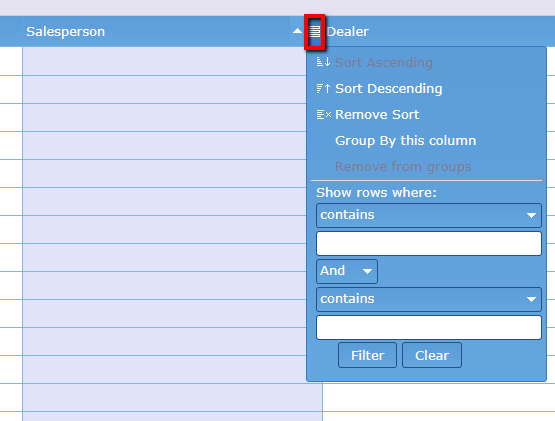
Click on the box next to the Salesperson column heading.
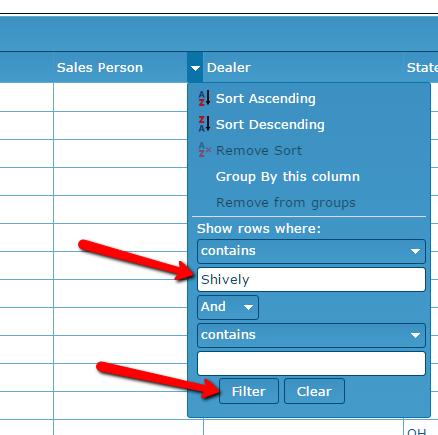
Type salesperson name in the search (contains) field, then select Filter.
The search results grid will now show all orders with the selected salesperson's name.