How to search for orders with a Helmet ID
The purpose of this document is to show a user can view all the orders a that contain a specific helmet ID.
(1) Click on the Helmet Order List sub-menu, within the Reconditioning main menu.
(2) Enter the helmet id into Helmet ID field (#1) and press the search button (#2) or press <Enter>.
(3) View the results.
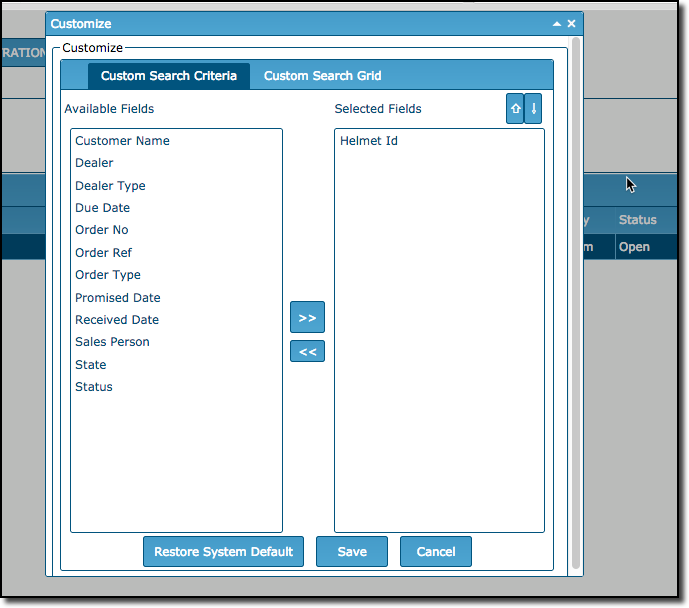
Note: Remember you can use the Customize function to add, change or remove search fields, add, change, remove, or arrange the order of your Search Grid fields. These defined by user, meaning each person can have their own, preferred settings based on how they work and what they need. See below.